

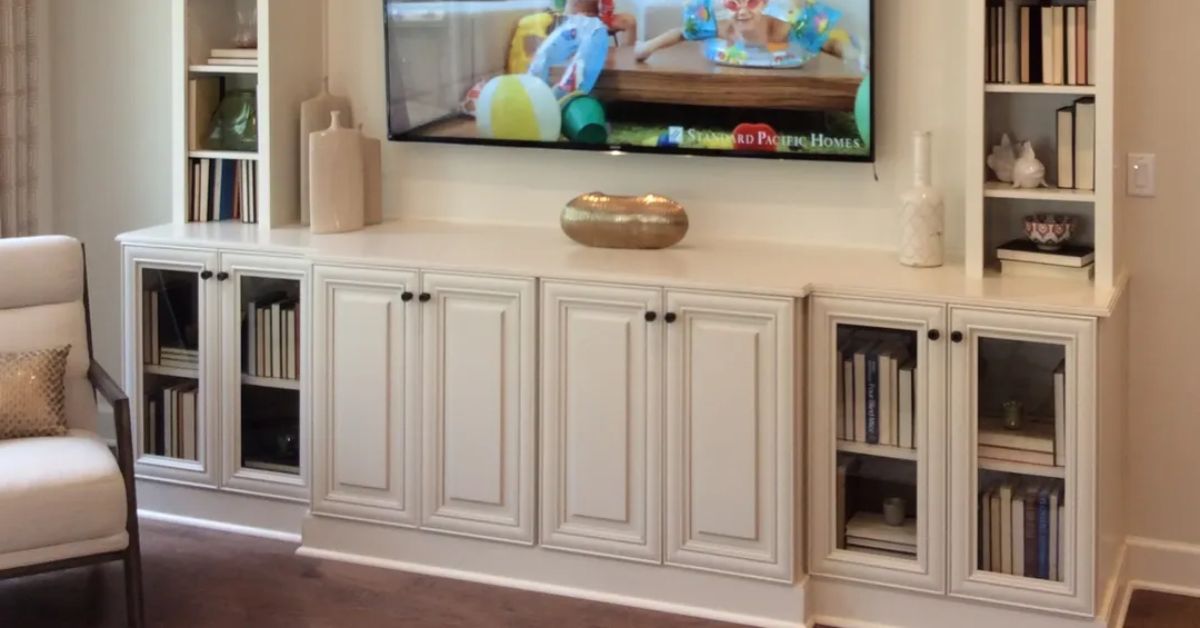

A well-run office feels calm, even on busy days, and cabinetry plays a bigger role in that than most people expect. The right storage protects supplies, prevents clutter from creeping onto desks, and gives your space a polished look for clients and coworkers. In this complete guide, you’ll learn how to select office cabinetry that fits your space and work style.
Assess Office Storage Needs
Before you look at styles or finishes, get clear on what the cabinets must hold. Paper files, printers, and shipping supplies demand different cabinet shapes and weight support. Additionally, some items need to be easy to access, while others should be tucked away.
Start by sorting what you store into categories like daily-use supplies, paperwork, equipment, and backstock. Ask yourself what needs to stay within arm’s reach, what can live in a shared cabinet, and what should stay locked or out of sight. Then estimate volume—how many boxes, binders, or devices you’re planning for—so you choose cabinet sizes that won’t fill up immediately.
Measure Space Before Buying
Accurate measurements set you up for a better layout, with cabinets that fit cleanly and feel easy to use. A great cabinet layout on paper falls apart if a door hits a desk or a drawer blocks a walkway. You can do preliminary measurements to narrow down options, then have a contractor confirm the final numbers before anything is ordered.
Here’s what to measure first:
- Measure the length of each wall where cabinetry might go.
- Measure ceiling height and any soffits or ceiling drops.
- Measure window and door locations, including trim depth.
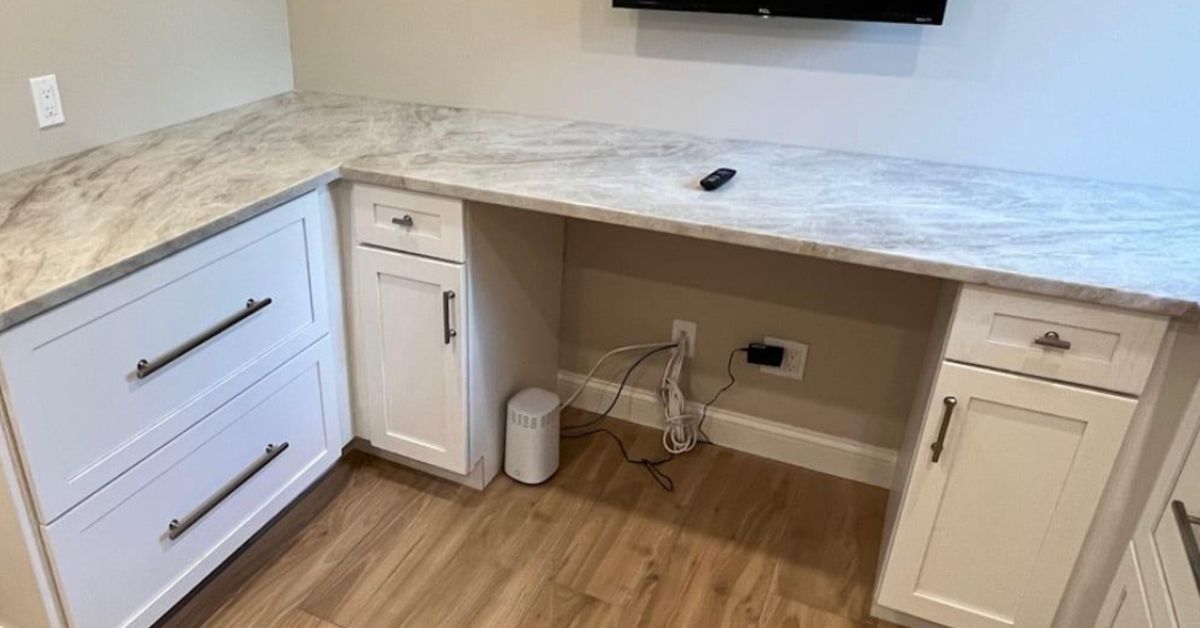
- Measure the position of outlets, switches, and data ports.
- Measure obstacles like vents, thermostats, and wall-mounted equipment.
Choose Function Over Trends
When selecting office cabinetry, let functionality guide your decision-making above everything else. Functional cabinets make daily work easier by putting the right storage in the right place and holding up to constant use. Special features keep items easy to find and reduce the little annoyances that waste time.
Features That Prevent Clutter
Add dividers, trays, and file frames so everything has a clear home. Adjustable shelving helps you fit changing supplies without wasting vertical space. A mix of drawers and doors keeps small items contained while still allowing room for bulky gear.
Access and Ergonomics
Use full-extension slides so drawers open far enough to see everything at a glance. Place frequently used storage between waist and eye level to reduce bending and reaching. In narrower rooms, consider shallower cabinets or sliding doors to keep pathways clear.
Noise and Distraction Control
Soft-close hinges and slides lower the noise in shared offices and conference areas. Rubber bumpers and quality hardware cut down on rattling when people open and close drawers in a hurry. Quiet operation keeps the space feeling calmer, especially during calls or focus work.
Match Cabinet Types to Workflow
Cabinet type choices affect how quickly people can find what they need. Base cabinets support heavy items and equipment, while wall cabinets free up floor space. A simple way to decide is to map tasks to zones, such as printing, shipping, supplies, and client-facing storage. Next, place the specialized storage near the workspace that uses it.
The most common office cabinet categories to compare include:
- Base cabinets for heavier equipment and bulk supplies.
- Wall cabinets for quick-grab items without using floor space.
- Tall cabinets for brooms, boxes, or full-height filing.
- Drawer banks for stationery, tools, and small parts.
- Specialty units for breakrooms, copy areas, or reception.
Pick Commercial-Grade Materials
Office cabinets take more daily wear than many people anticipate. Fingers touch doors all day, rolling chairs bump corners, and supplies scrape shelves. Cabinet materials for offices should be durable and easy to maintain and clean.
Commercial-grade builds feature sturdy cabinet boxes, reliable joinery, and hardware that withstands frequent use. Additionally, ask about shelf thickness and weight ratings if you plan to store paper, equipment, or inventory.
Framed cabinets feature a built-in frame around the cabinet front, making them sturdier than frameless cabinets. The frame creates a cleaner front edge that’s easier to wipe down, and it provides a sturdy base for hinges, reducing the likelihood of doors warping.
Coordinate Finishes With Decor
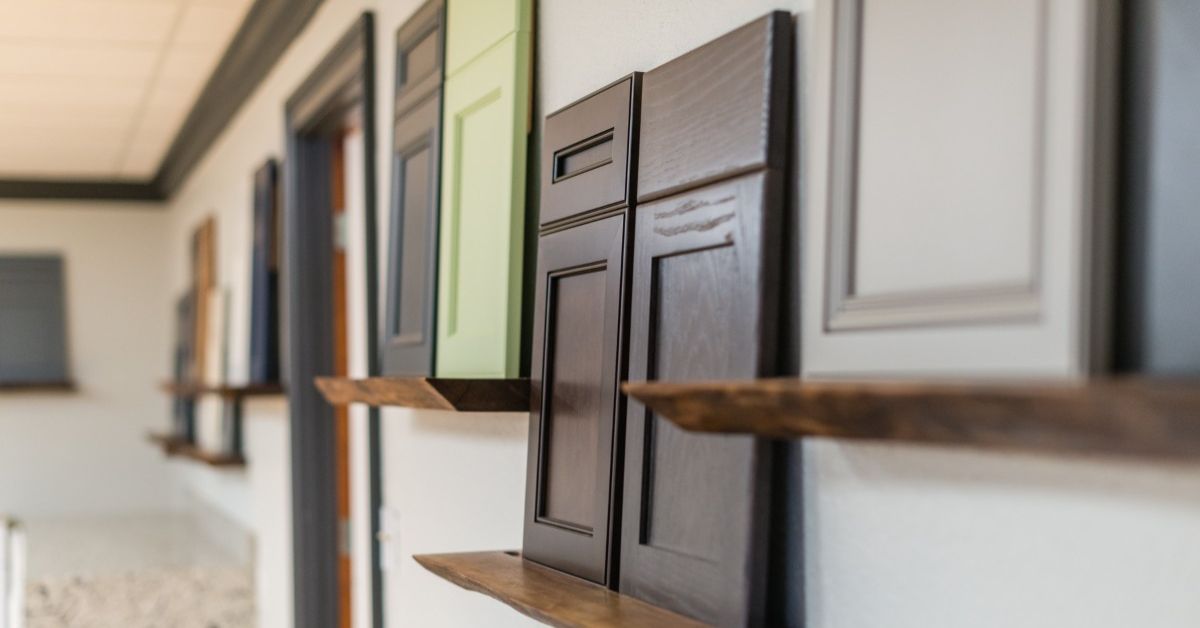
Finish choices influence mood and professionalism, especially in client-facing areas. A sleek, consistent finish can make even a small office look intentional and organized. At the same time, the finish needs to handle smudges, cleaning, and daily contact.
Consider the prominent visual anchors in the room, such as flooring, wall color, and major furniture pieces. Then, pick a cabinet finish that complements those elements.
Additionally, consider the sheen level, as high-gloss surfaces show fingerprints more quickly than lower-sheen options. If your office has multiple cabinetry zones, repeat the same finish throughout to keep the space from feeling pieced together.
Plan Tech and Equipment Storage
Modern offices run on devices, chargers, routers, printers, and all the accessories that tag along. If you ignore tech storage, cords sprawl, equipment overheats, and counters turn into charging stations. Therefore, plan tech needs like you plan any other workflow.
Think through what stays plugged in permanently versus what rotates, like laptops and tablets. Next, choose a dedicated charging spot so cords stay organized, accessible, and out of the way.
A practical tech-ready cabinet setup usually includes these features:
- Built-in outlets inside cabinets, when permitted by code and installed by a licensed professional.
- Openings for cable pass-through so cords don’t pinch in doors.
- Space around heat-producing equipment for airflow.
- Pull-out shelves for printers or shared devices.
- A labeled drawer or tray system for chargers and adapters.
Cable Management and Ventilation
Cable pass-through grommets provide cords with a clean path through cabinets, keeping them organized and preventing fraying from constant bending. Give routers, modems, and charging hubs breathing room, as heat buildup can hurt performance and shorten their lifespan. Place the most-used devices within easy reach so people don’t pull them onto counters just to plug something in. Finally, confirm any office IT standards up front so the cabinet layout, access points, and power locations align with your business’s guidelines.
Great office cabinetry supports productivity and looks profesional. When cabinets fit the space, store items where you need them, and stand up to constant handling, the room stays cleaner and easier to manage. A little forethought about layout, durability, and charging zones eliminates minor inconveniences that plague most offices. Make these decisions with your office’s workflows in mind, and your cabinet upgrade will feel polished and natural.